
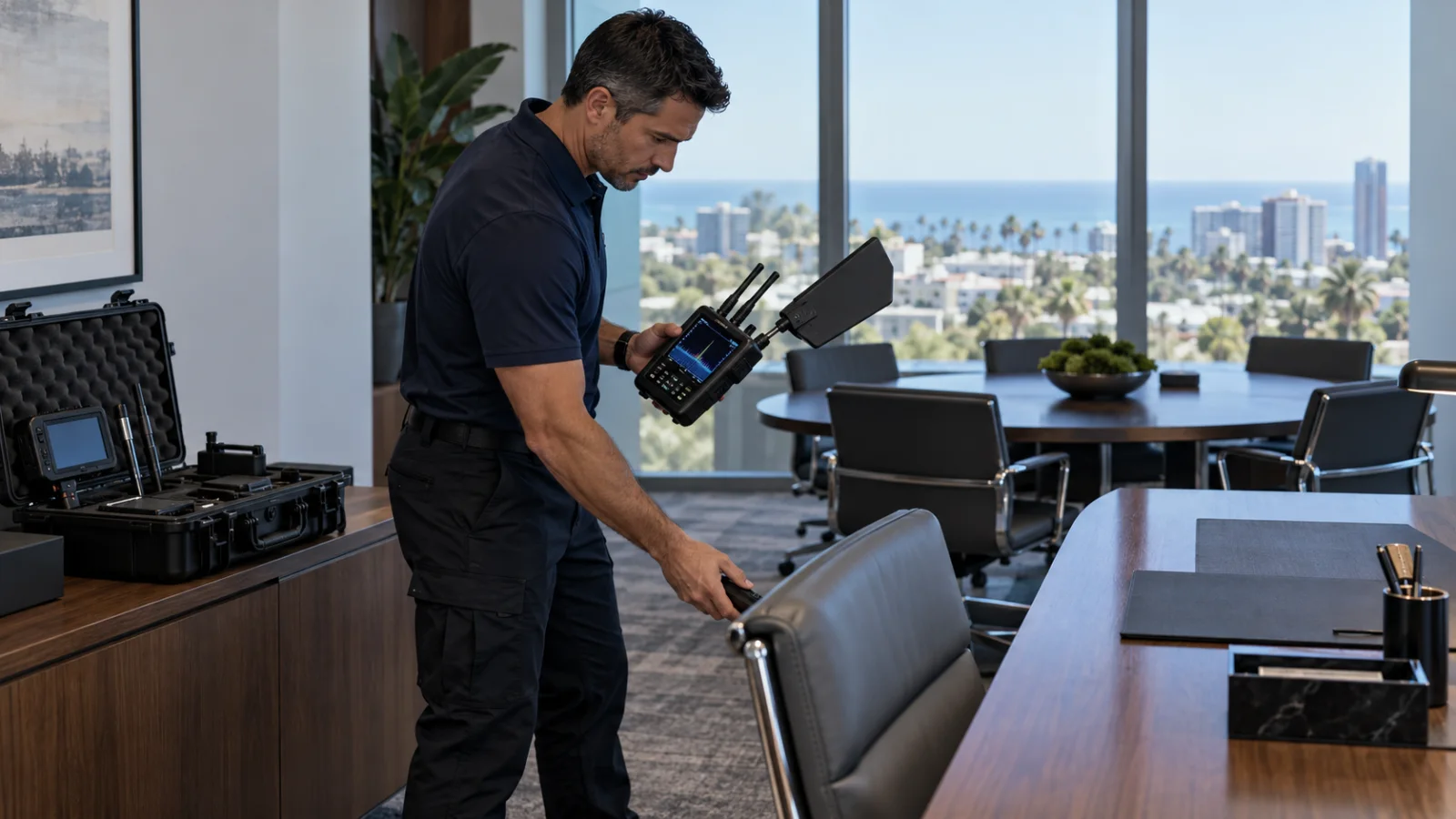
If you suspect that a room, vehicle, or office is being monitored, a professional bug sweep, also called a technical surveillance countermeasures (TSCM) inspection, is the usual starting point. In plain terms, a sweep is a structured search for hidden listening or tracking devices and for the signals those devices produce. A competent sweep can detect many common threats: consumer-grade audio bugs, covert cameras, GPS trackers, and some wireless transmitters. It can also find physical signs that a device was installed and later removed.
What a sweep cannot do is equally important. No inspection, however thorough, can promise that every possible device will be found, and no honest provider will guarantee complete certainty. The realistic goal is to reduce risk, document findings, and give you a clear basis for deciding what to do next. This article explains what the process can detect, how it works, where its limits lie, and when to bring in a professional.
What a Bug Sweep Actually Looks For
Hidden surveillance generally falls into a few categories, and each leaves different traces.
- Audio devices. Wireless microphones, radio transmitters, and recording devices that capture conversations. These may transmit in real time or store audio locally.
- Covert cameras. Small cameras hidden in clocks, smoke detectors, chargers, or other ordinary objects. Some stream wirelessly; others record to a memory card.
- Tracking devices. GPS units attached to vehicles or placed in bags, often magnetic and battery-powered.
- Wired or networked monitoring. Devices connected to existing power, network, or phone lines, which can be harder to spot because they may not emit a radio signal.
- Physical indicators. Fresh marks, disturbed dust, mismatched screws, unusual objects, or recently moved furniture that suggest something was placed or removed.
How a Professional Sweep Works
A sweep is not a single gadget waved around a room. It is a methodical process that combines several techniques, and the combination is what makes it useful.
Visual and physical inspection
The inspector examines the space closely: walls, ceilings, vents, light fixtures, outlets, furniture, and personal items. This step catches devices that are visible once you know where to look, and it often reveals the physical evidence of tampering that electronic tools would miss.
Radio frequency (RF) detection
Many bugs transmit wirelessly. An RF detector scans for radio energy across a range of frequencies and can flag unusual transmissions. The inspector then tries to locate the source. This is useful for active transmitters, but it has limits: a device that records locally without transmitting produces no radio signal to find.
Non-linear junction detection
This technique looks for the electronic junctions inside devices, including ones that are powered off or not transmitting. It can help locate hidden electronics behind walls or inside objects, though it requires skill to interpret and can react to ordinary electronics as well.
Thermal and optical inspection
Thermal imaging can reveal warm spots that suggest an active device, and borescopes or inspection cameras can look into tight spaces. These tools support the visual search rather than replace it.
Network and line review
Where appropriate and authorized, an inspector may review network traffic, phone lines, and connected devices for signs of monitoring. This overlaps with broader cybersecurity work and is often handled together with it.
What a Sweep Can Realistically Detect
In practice, a well-run sweep is effective against a wide range of common threats:
- Consumer and commercial audio bugs that transmit over radio frequencies.
- Hidden cameras, including many that stream wirelessly.
- GPS trackers on vehicles and in personal belongings.
- Devices hidden in everyday objects, walls, ceilings, and furniture.
- Signs that a device was recently installed or removed.
- Some networked monitoring, when the inspection includes a technical review of systems.
These are the scenarios most people are worried about, and a sweep addresses them directly.
What a Sweep May Miss
Understanding the limits helps you interpret results honestly.
- Devices that do not transmit. A recorder that stores audio locally and is never connected to a network may produce no signal to detect. It can still be found by physical inspection, but only if the inspector looks in the right place.
- Devices that are powered down or dormant. Some tools can find unpowered electronics, but not every device and not in every location.
- Very small or well-hidden devices. Miniaturized equipment placed in inaccessible areas may evade even careful searches.
- Software-based monitoring. Spyware on a phone or computer, or monitoring built into accounts and cloud services, is not a physical bug. A sweep of a room will not find it; that requires a device and account review.
- Off-site monitoring. A sweep covers the space inspected. It cannot rule out monitoring of other locations, vehicles, or communications.
For these reasons, a sweep is best understood as one part of a broader assessment, not a guarantee. If your concern involves phones, email, or accounts, a cybersecurity review is usually the more relevant step.
Practical Steps Before and During a Sweep
If you are considering an inspection, a few sensible steps improve the outcome.
- Write down what prompted your concern. Note dates, observations, and anything unusual. This context helps an inspector focus on likely areas.
- Do not move or remove suspected devices. Disturbing a device can destroy fingerprints, serial numbers, or other evidence and may alert whoever is monitoring.
- Avoid discussing the inspection in the space being checked. If a device is present, it may capture the conversation.
- Preserve digital records. Keep messages, call logs, and account activity that seem relevant. Do not delete or reset devices before they can be reviewed.
- Confirm authorization. Only inspect property you own or have clear authority to inspect. A professional will confirm this before starting.
- Ask what the report will include. A useful report documents what was checked, what was found, and what was not covered.
Evidence Preservation Cautions
If a device is found, how it is handled matters. In many situations, the finding may become relevant to a legal matter, an employment dispute, or a criminal complaint. Removing a device yourself, powering it down, or handling it carelessly can compromise its value as evidence. In some cases, leaving a device in place while authorities or counsel decide next steps is the better course.
Photograph the location before touching anything, avoid handling items with bare hands where practical, and keep a written record of who found what and when. If the matter may lead to litigation, a digital forensics examination can help preserve and document electronic evidence properly. For legal questions about recording laws, privacy rights, or what you may do with a discovered device, consult a licensed attorney; the information here is general and is not legal advice.
When Professional Help May Be Appropriate
A professional sweep is worth considering when:
- You have specific, repeated reasons to believe a space or vehicle is monitored.
- The matter involves a legal dispute, a workplace investigation, or a sensitive negotiation.
- You need documentation that may later be used in court or by counsel.
- You want an independent assessment rather than relying on consumer apps or general-purpose detectors.
- You need the inspection coordinated with a broader investigation or security review.
In Southern California, matters involving offices, vehicles, and residences often benefit from a coordinated approach that combines a physical sweep with digital review. A licensed private investigator can help assess the situation and recommend the right combination of services. Where findings may support litigation, an expert witness can explain technical findings clearly to a court.
Frequently Asked Questions
Can a bug sweep find a hidden camera?
Often, yes. Many hidden cameras transmit wirelessly and can be located with RF detection and visual inspection. Cameras that record locally to a memory card are harder to detect electronically, so the physical search becomes more important.
Will a sweep find spyware on my phone or computer?
Not usually. A room sweep looks for physical devices. Software monitoring requires a separate review of the device, its accounts, and its network activity. If your concern is digital, ask for that review specifically.
Can a sweep guarantee that no device is present?
No. A thorough inspection can find many devices and reduce risk, but no process can rule out every possibility. Be cautious of anyone who promises complete certainty.
What should I do if a device is found?
Do not remove or disturb it. Document the location, contact counsel if a legal matter is involved, and ask the inspector how to preserve the finding. Handling the device yourself can damage evidence.
How often should a space be swept?
There is no single answer. Frequency depends on your risk, the sensitivity of the space, and whether there have been changes in access. A professional can help you set a reasonable schedule based on your situation.
Next Steps
A professional bug sweep is a practical tool for detecting many common surveillance devices and for documenting what was found. It is most useful when paired with realistic expectations, careful evidence handling, and a broader look at digital risks. If you have a specific concern, contact ROHOVOT to discuss whether a sweep, a digital review, or another approach fits your situation.